Your face. Your voice. Live.
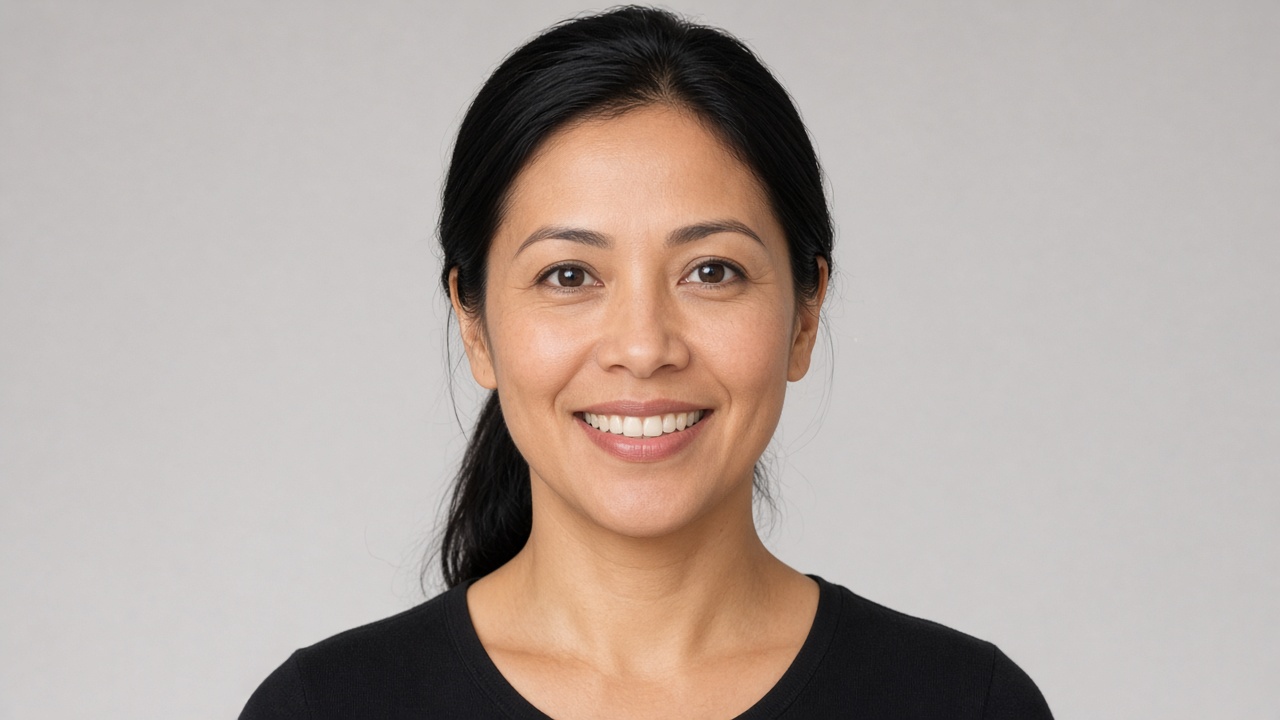
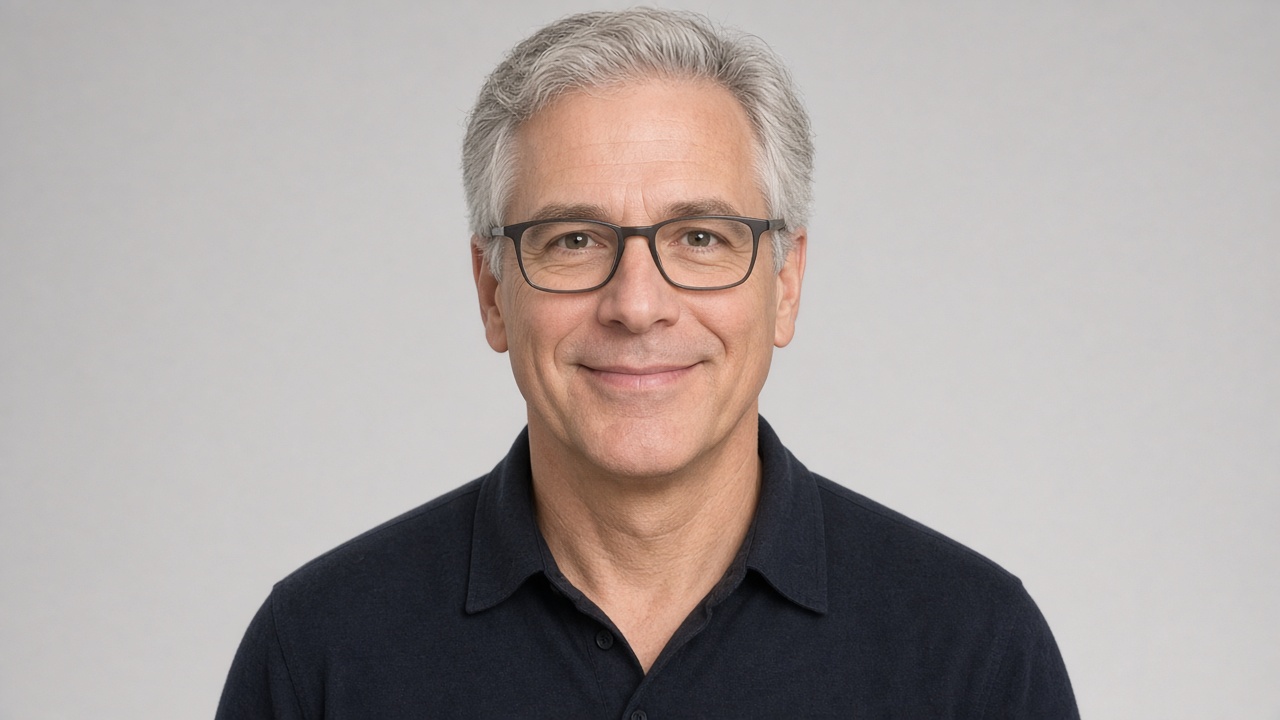
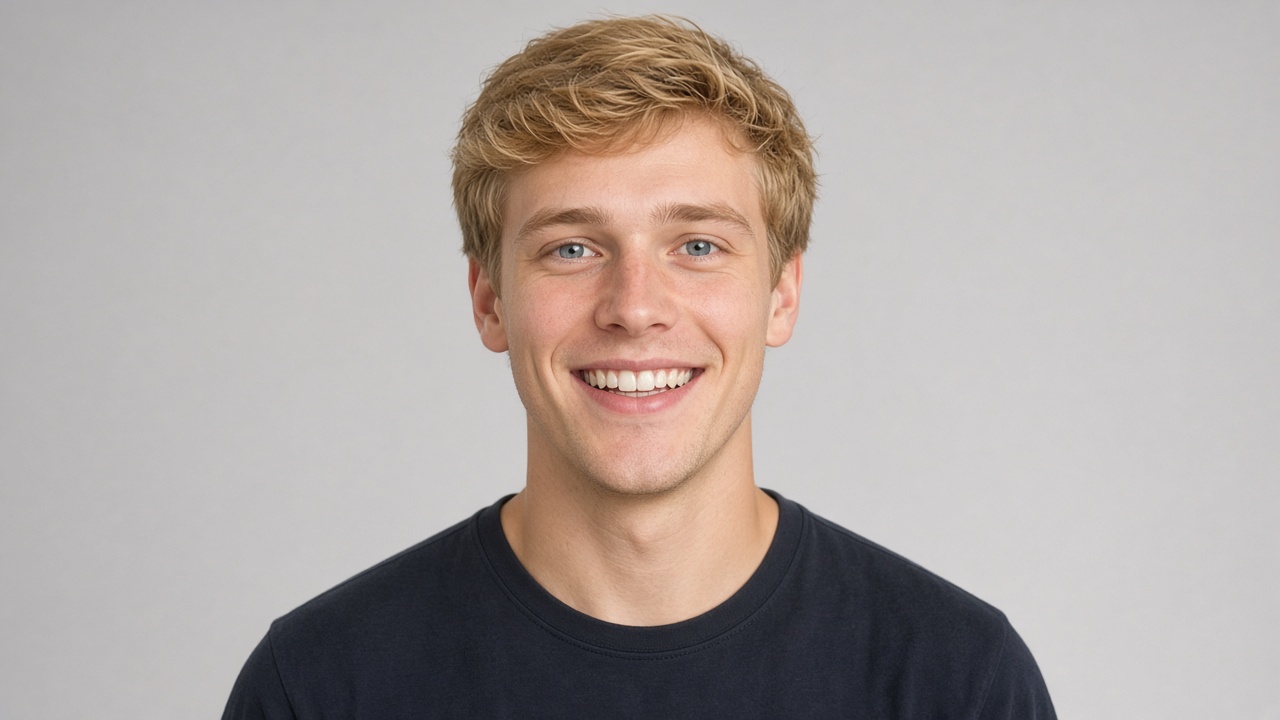
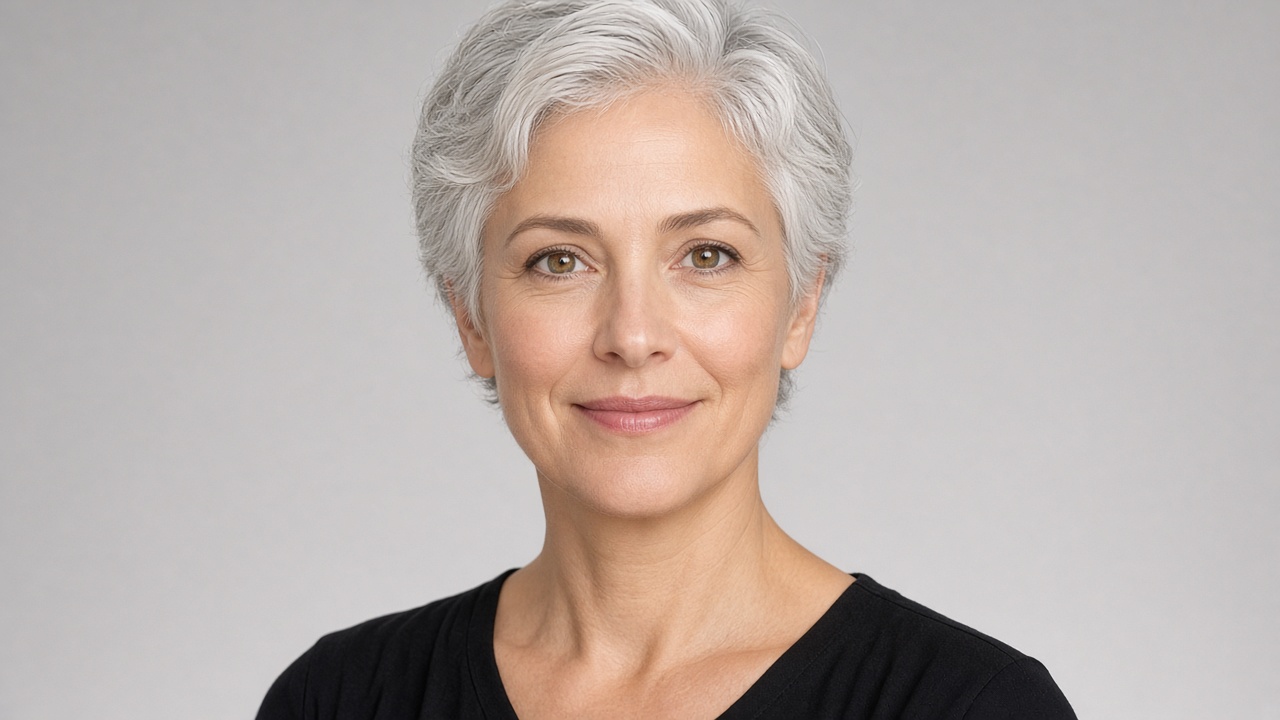
Make a live video AI twin of yourself from one selfie and about 30 seconds of your voice. Share the link, and people talk to it face to face, in real time, even when you're busy.
Email us and we'll send your TestFlight invite. Free to start. 18+.

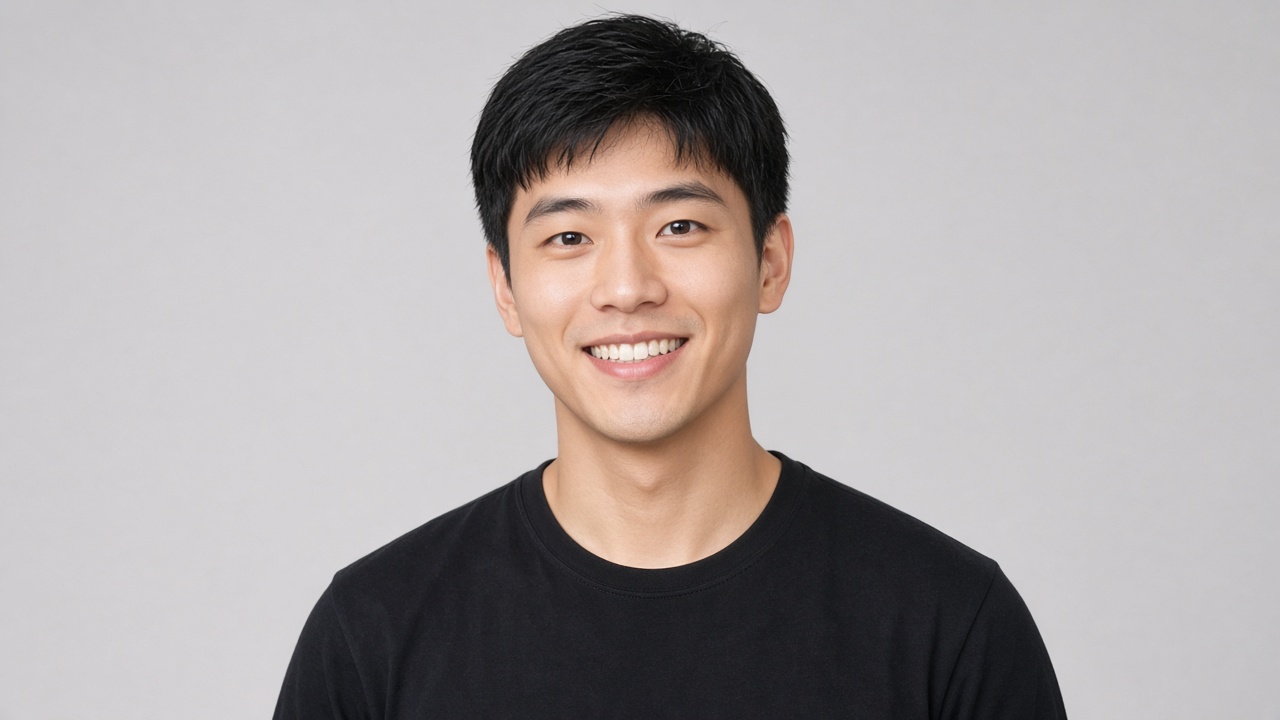
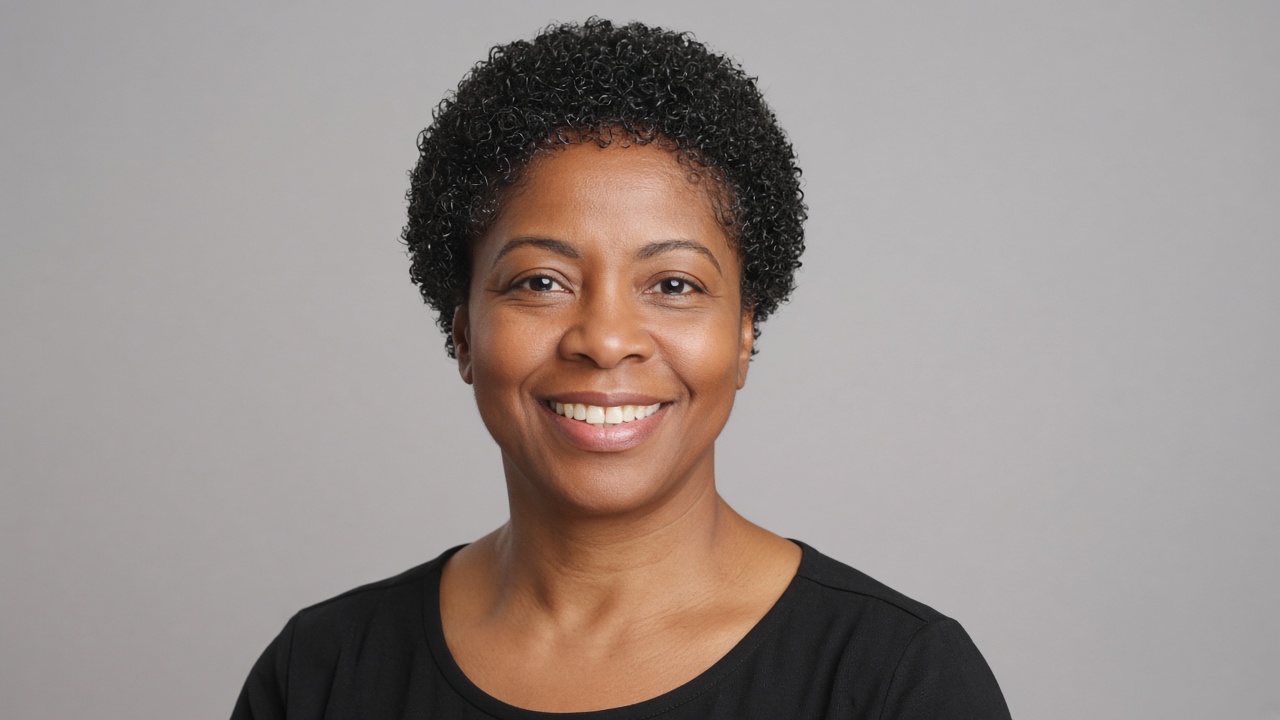
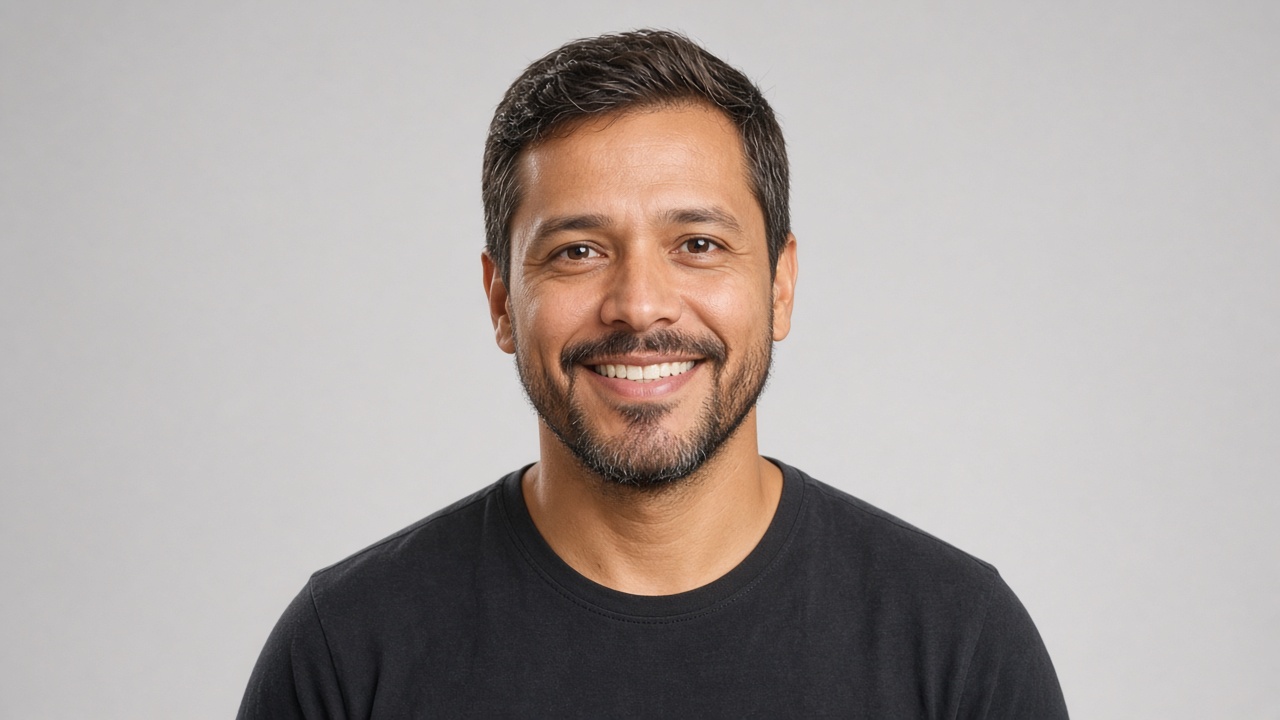
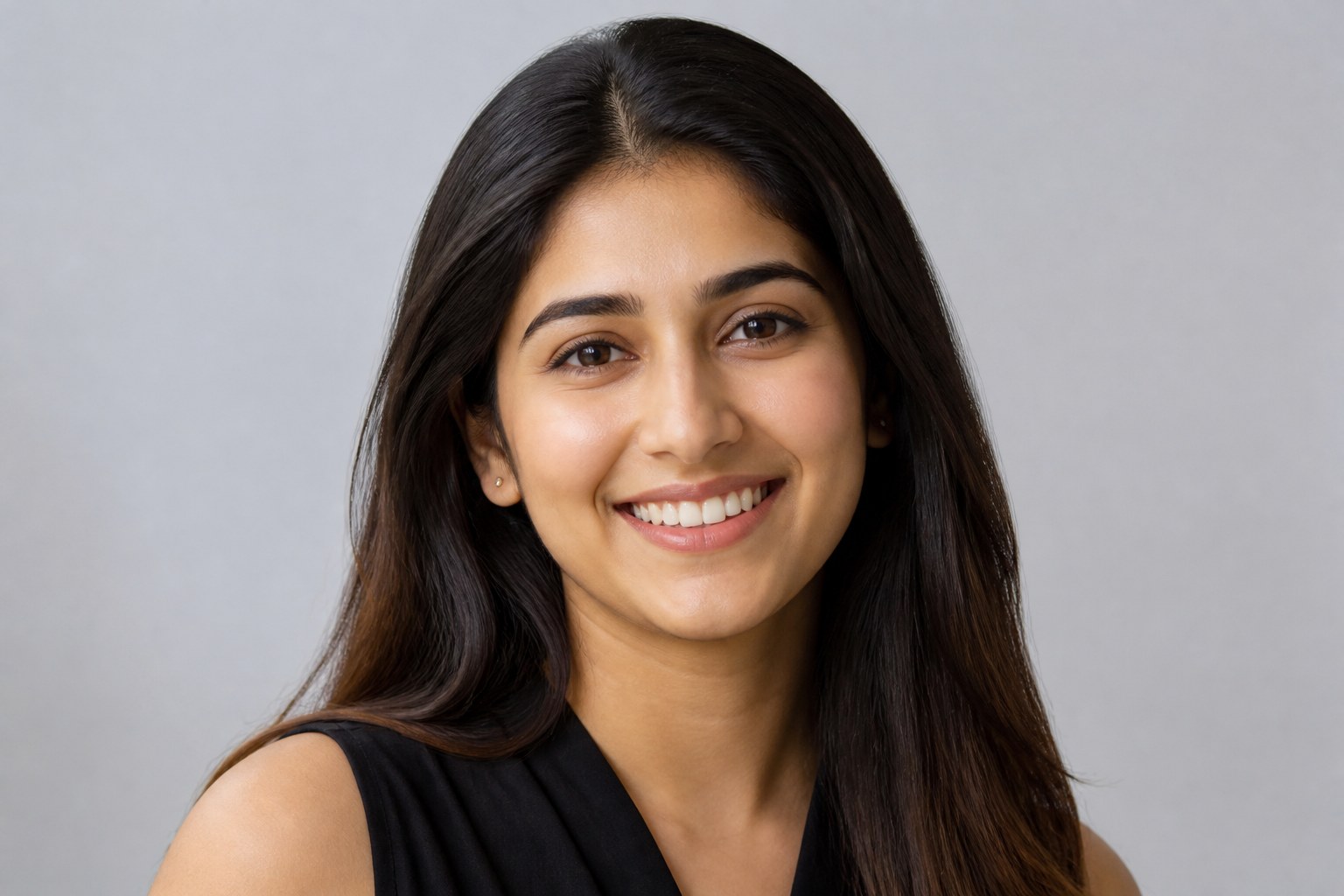
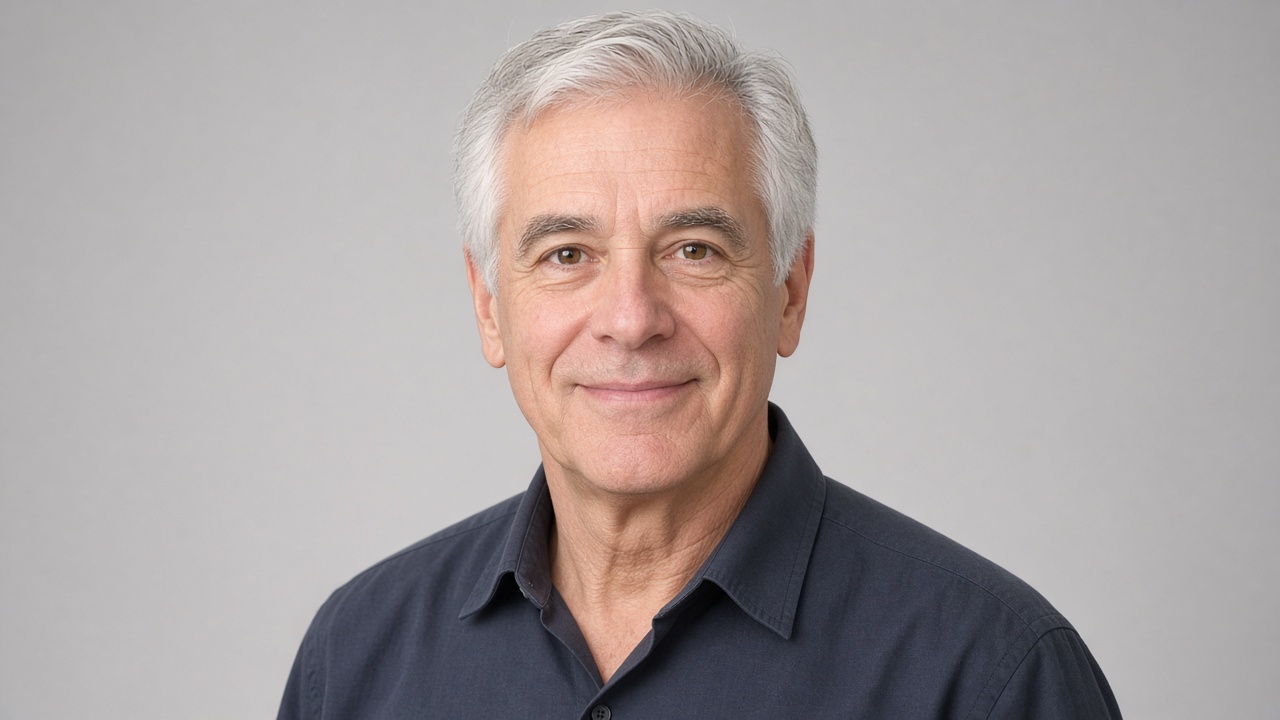
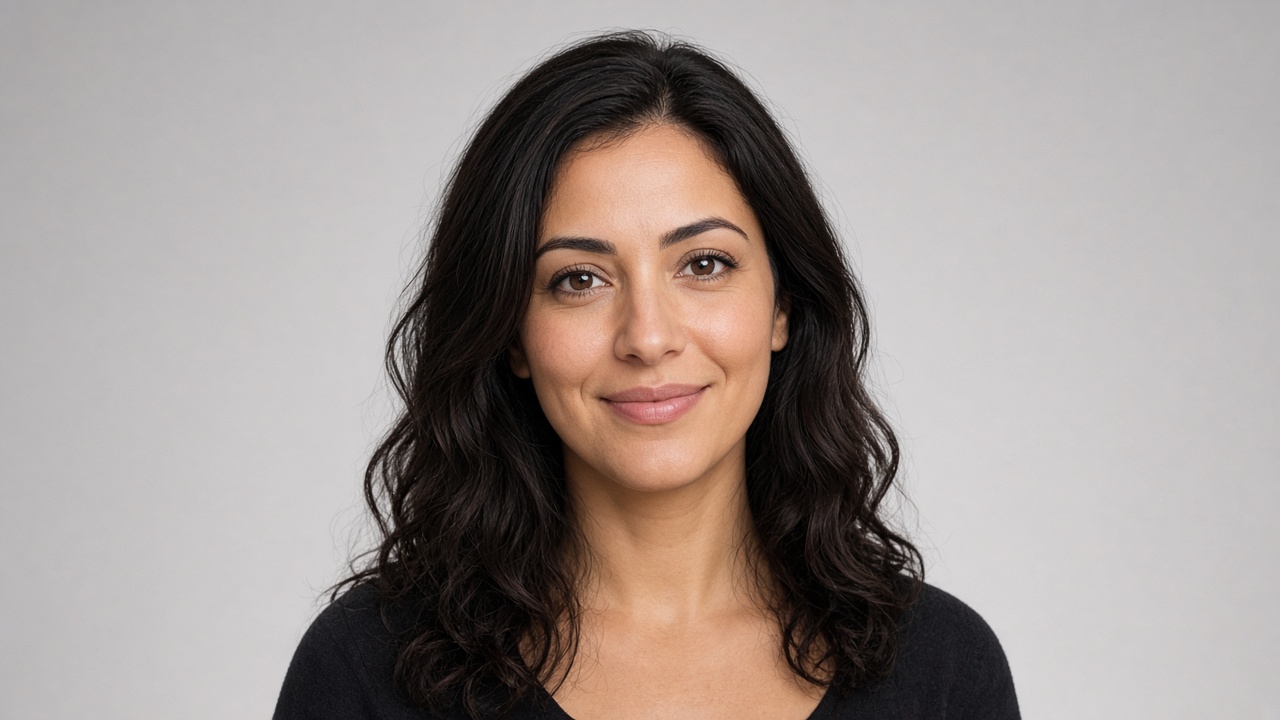
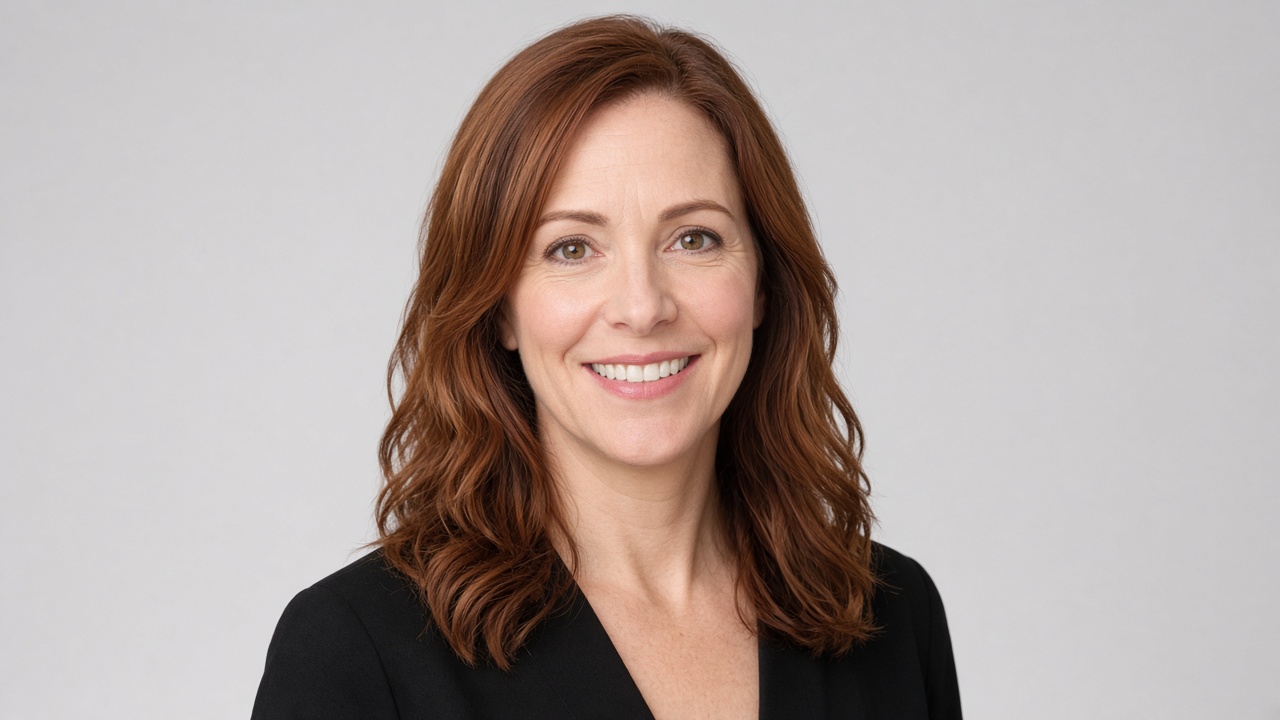
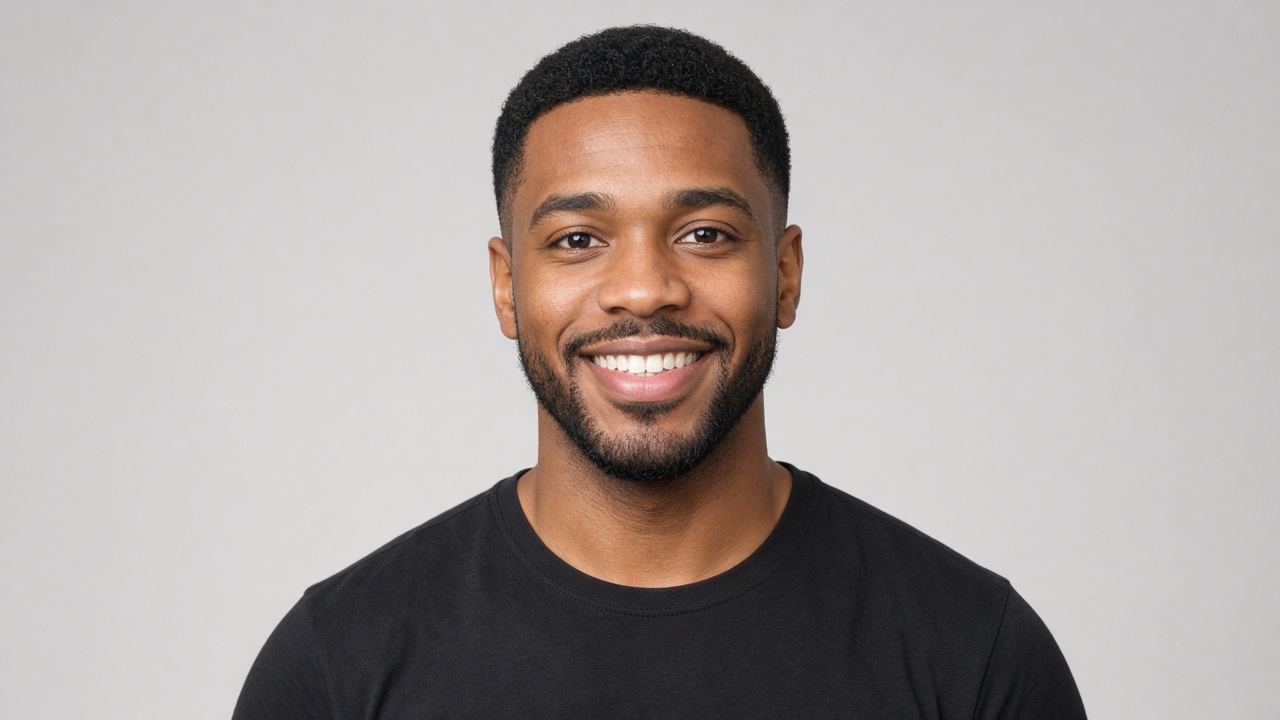
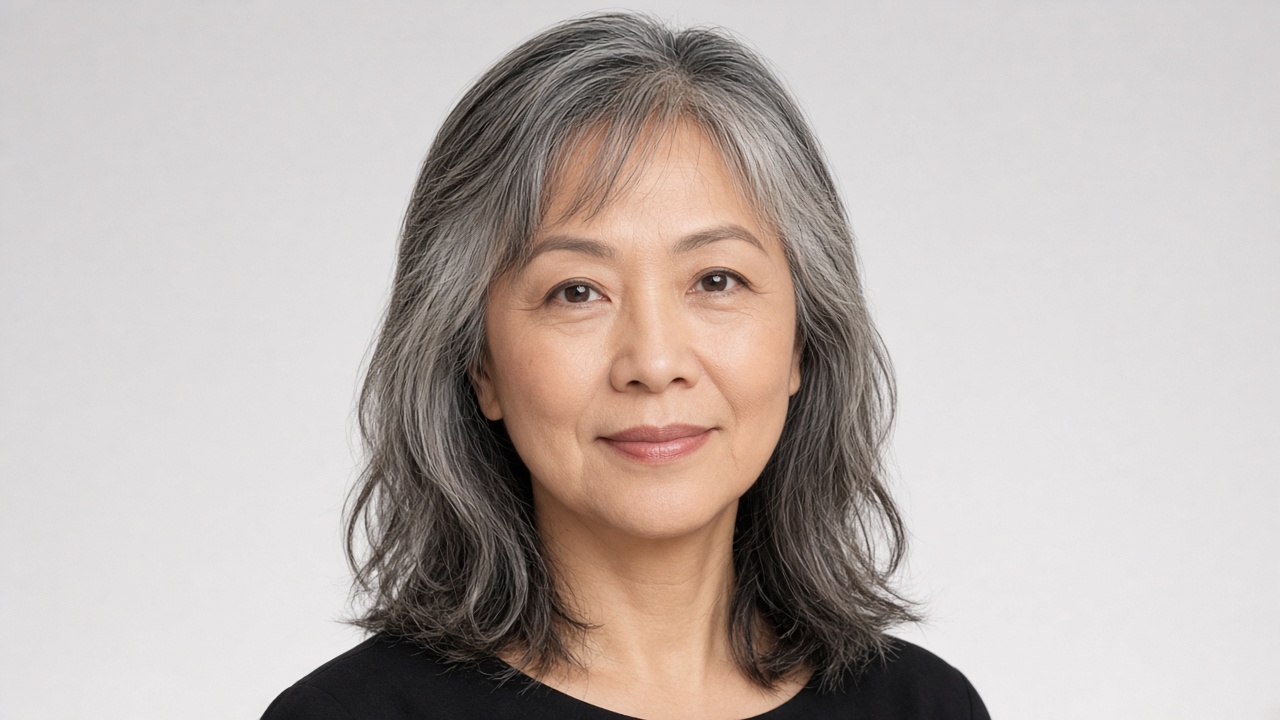
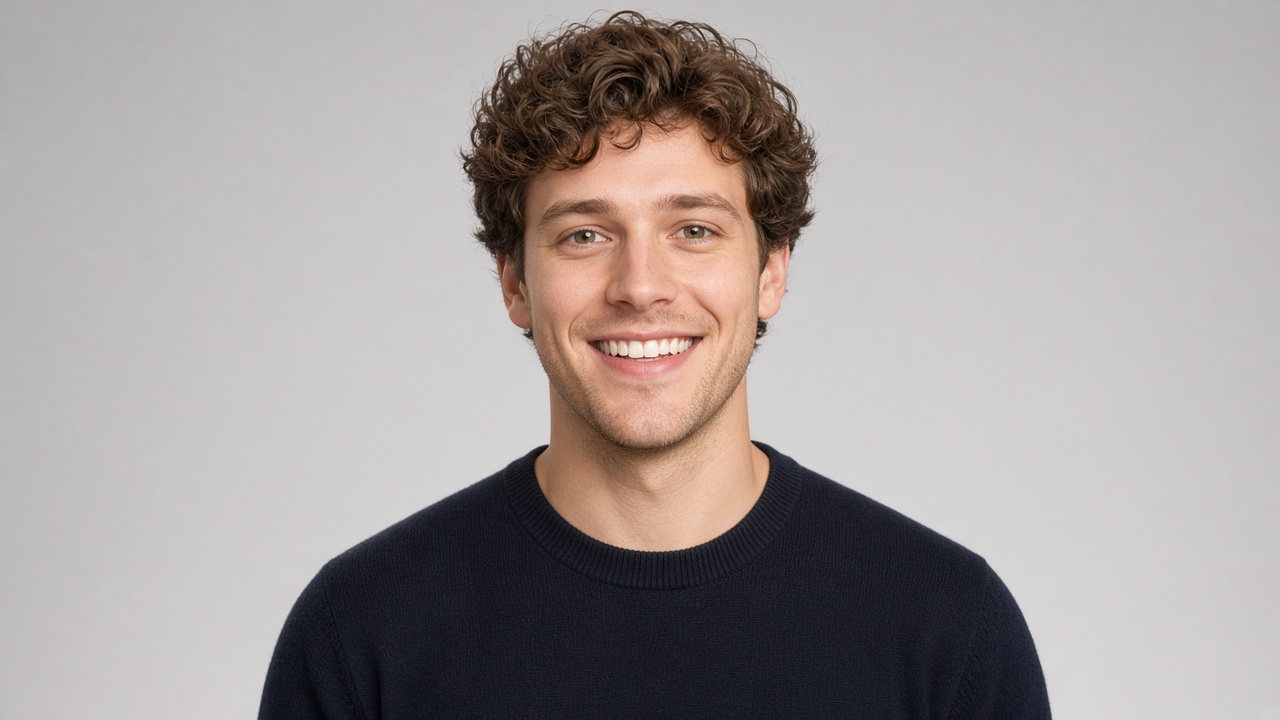
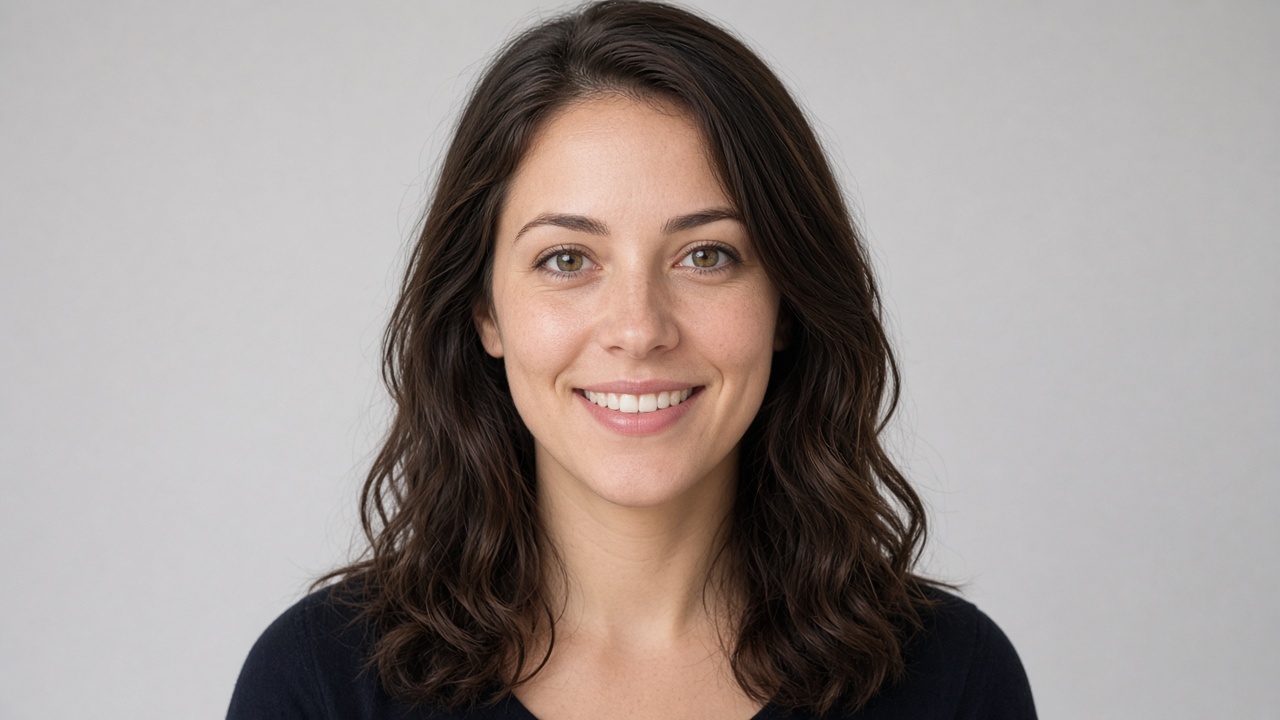
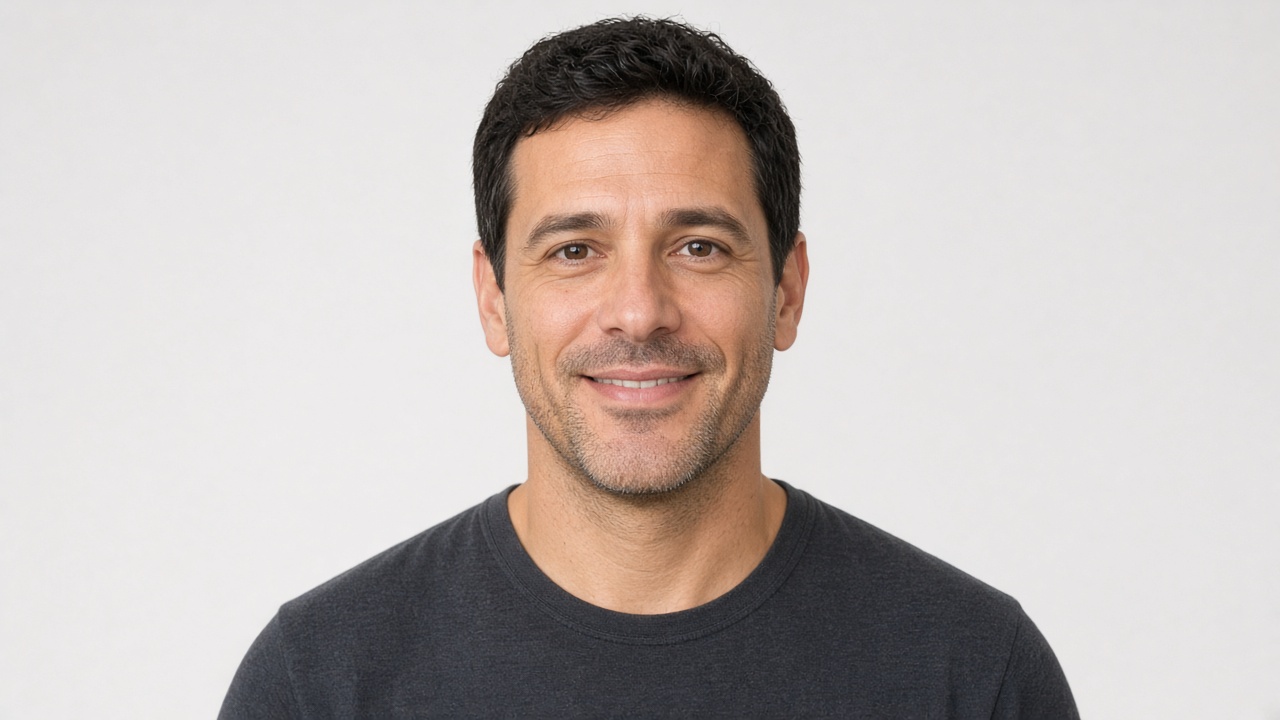
How it works
Your twin, ready in minutes
Miles, your on-screen guide, walks you through setup by voice. No studio, no script, no editing.
Take a live selfie
Snap one photo with your front camera. It has to be live, so nobody can build a twin from a picture in your camera roll.
Read aloud for 30 seconds
Your twin learns your voice and is usually ready in under a minute. Add a short bio and upload documents so it answers the way you would.
Share your link
Send your invite link to anyone. They tap it and they're on a live video call with your twin: your face, your voice, answering out loud.
What you can do
Be there, even when you can't be
Every conversation is a live video call. Nothing to type. Just talk.
Share your twin
Send your invite link, or go public and appear in the Community directory. Prefer privacy? Stay unlisted and share only by link.
See who called
Recents shows everyone who talked with your twin. Watch the video replay, read the transcript, and get an AI summary with follow-ups after every call.
A twin that remembers
Your twin remembers earlier conversations with each person, so the next call picks up where the last one left off. Leave a message for someone, and your twin tells them face to face when they call.
Call other twins
Browse the Community directory and ready-made AI Personas by category. Search, save favorites, and tap anyone to start a live video call. You can even call your own twin.
Safety and consent
Your likeness stays yours
A twin is personal. We built My Digital Human so the only twin you can make is you.
- Only yourselfYou agree to a likeness and voice consent, and you can only make a twin of you.
- Live selfie onlyYour twin is built from a live front-camera photo, never from your photo library.
- Always labeled as AIEvery call shows a clear "AI twin of [name]" label, and callers see a recording notice before it starts.
- Report and blockReport or block any twin in the directory, right from the app.
- Delete anytimeDelete your twin and start over, or permanently delete your account, recordings, conversations, and memory in Account & Settings.
- Adults onlyMy Digital Human is for people 18 and older.
FAQ
Questions, answered
What is a digital human?
It's a live video AI twin of you. It looks like you, sounds like you, and holds real-time, face-to-face conversations on video calls with the people you share it with.
What do I need to make one?
An iPhone, one live selfie, and about 30 seconds of reading aloud. Miles, the in-app guide, walks you through it, and your twin is usually ready in under a minute. Calls need an internet connection and microphone access.
How do people talk to my twin?
Share your invite link. Anyone with the app taps it and starts a live video call with your twin. If your twin is public, people can also find it in the Community directory.
How much does it cost?
It's free to start, and making your twin is free. Paid plans for more calling minutes are coming, and you'll see the price in the app before you're ever charged.
Can someone make a twin of me without permission?
A twin can only be made from a live front-camera selfie, after agreeing to a likeness and voice consent, and every call is labeled as AI. If you see a twin that shouldn't exist, report it in the app or email randy@mydigitalhuman.com.
How do I get the app?
My Digital Human is in beta on iPhone through Apple's TestFlight, and it's coming to the App Store soon. Tap "Join the iPhone beta" to get in.
Meet your digital human
One selfie. Thirty seconds of your voice. A twin people can talk to face to face.
Free to start. iPhone only. 18+.